Why Doesn't More RAM Make My Computer Faster?
Your memory bar has room to spare and the machine is still slow. The processor is not working hard, it is waiting for numbers to arrive, and buying more memory does not shorten that wait.
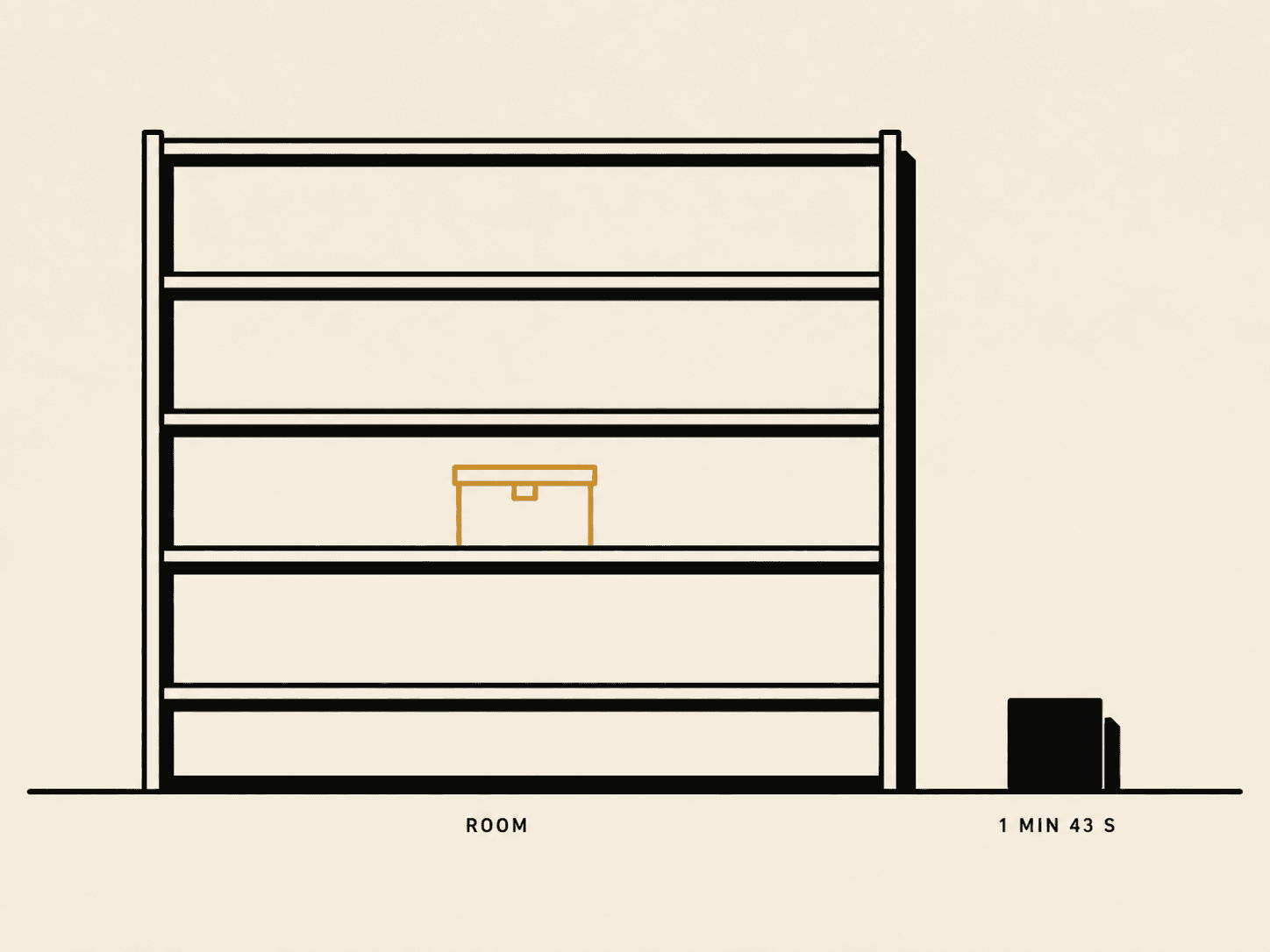
Open whatever shows you memory on your machine right now. There is a good chance a decent slice of that bar is empty, unused, sitting there doing nothing. And the machine is still slow.
So you go looking. Everybody gives you the same advice. Buy more memory. It is the first thing in every forum thread and the upsell on every configurator page. Sometimes it genuinely is the answer.
Most of the time it changes nothing at all. Nothing measurable, anyway.
I spent a while working out why, and the answer turned out to be more interesting than “your computer is old”. Your processor is not struggling to keep up with the work. It is sitting still, doing nothing at all, for a large fraction of the time you think it is busy, because the number it asked for has not turned up yet and there is nothing useful it can do until it does.
The thing your processor does most is nothing
In 2015 a group of Google engineers instrumented their own fleet. Not a benchmark and not a lab machine, but more than twenty thousand production servers, sampled continuously for three years, running the actual work Google runs for actual people. The paper is called Profiling a Warehouse-Scale Computer, and Figure 11 has a caption that is one of the bleaker sentences in computer architecture:
Half of cycles are spent stalled on caches.
A cycle is one tick of the processor's clock. A chip running at 3.2 GHz ticks 3.2 billion times a second, and in principle it can start a new piece of work on every one of those ticks. Stalled means it did not. It had an instruction ready, it needed a number to run that instruction on, the number was not there yet, and so the chip sat and did nothing until it arrived.
Half the time. Doing nothing.
That figure belongs to Google's servers, and I am not going to pretend it is the exact number for the laptop in front of you, because nobody has measured the laptop in front of you. What carries across is not the percentage. It is the mechanism: a processor spends a great deal of its life waiting, and the thing it waits for is memory.
Which raises the obvious question. If it is waiting on memory, why doesn't giving it more memory help?
Where a number actually comes from
Start with the smallest piece of work a computer does. One instruction, which is a single step, about as small as work gets. Add these two numbers together. Copy this one over there.
To run that step, the processor needs the numbers in front of it. Not somewhere on the machine, not on the drive, not in a file. In its hands, ready to use, this tick.
So it asks for a number, and where that number happens to live decides almost everything about how long the step takes, because memory is not one place at all. Your computer keeps several separate stores of it going at once, at different sizes and different distances from the part doing the work.
The small ones sit on the processor chip itself, a couple of millimetres from the part doing the arithmetic. Those are called caches. It is spelled c-a-c-h-e and it is said like “cash”, which trips people up in conversation constantly. A cache is a small, fast copy of things the processor has recently touched or expects to touch soon.
The big one, the sixteen or thirty-two gigabytes you paid for, sits off to the side on its own separate chips. That is the RAM.
One second, six seconds, a minute and forty-three
Here are real numbers, measured and published by a third party for one modern chip.
                       ticks     time
nearest cache            3      0.94 ns
next cache out          18      5.6  ns
RAM              18 + 91 ns    96.6  ns
A nanosecond is a billionth of a second, which is not a quantity anybody has a feel for. So scale all three up by the same factor until the smallest one is something you can hold in your head. Say a number sitting in the nearest cache takes one second to arrive.
nearest cache      1 second
next cache out     6 seconds
RAM                1 minute 43 seconds
You asked for one number, and you sat there for nearly two minutes.
That gap is where the whole problem lives. The processor can finish an instruction in a tick or two. Then it has nothing to do for a hundred of them, because the next number it needs is out in RAM. It is not slow at arithmetic. It is extremely fast at arithmetic. Then it stops, over and over, all day.
Why it isn't all the fast kind
If the close memory is a hundred times quicker, the obvious move is to build the whole machine out of the close memory. Nobody does that. The reason is physical, not commercial.
One bit of cache is built from about six transistors, wired as two cross-coupled inverters that hold each other in position plus two access transistors. It keeps its value for as long as the power is on, and it answers immediately.
One bit of RAM is a single transistor and a tiny capacitor. The capacitor is a bucket that holds a charge, the transistor is the gate that lets you at it, and that is the entire cell.
Six parts against two. That is the whole reason. The fast kind takes several times the silicon area for every single bit and several times the cost per bit, which is why a chip carries a few megabytes of cache and never gigabytes. The layers are not an oversight and nobody forgot to make it all quick. It is a compromise between what is fast and what is affordable, and it comes out of physics rather than out of a product meeting.
“But Apple moved the memory closer”
This is the objection I got the first time I talked about any of this. It is the sharpest one available, so it deserves a real answer rather than a hand-wave.
Apple silicon uses unified memory, which means the RAM is mounted on the same package as the processor, millimetres away, rather than in a slot a few centimetres off across the motherboard. That is a genuine change. It bought a much wider path to memory, and considerably less power.
It did almost nothing to the wait. Not a little. Almost nothing.
Signals move through package and board traces at roughly fifteen centimetres per nanosecond. A memory chip five centimetres away costs about 0.7 ns for the round trip. On-package at one centimetre costs about 0.13 ns. So the entire saving from moving the memory onto the chip's own package is something like half a nanosecond out of a hundred. Well under one percent.
Here is the part worth holding onto, because the rest of this article keeps coming back to it: the trip was never mostly the travelling. Almost all of that ninety-seven nanoseconds is the memory chip itself answering the question, and that part is the same whether the chip is a centimetre away or five. Activating a row. Waiting for a very small stored charge to be resolved against a long, high-capacitance wire. Then the column access, then the controller's queueing and protocol on top. Published component timings put the row-to-column delay alone at around 15 ns and the column access at around 10 ns before anything else is counted. Flight time is not in the same league, and moving the chips closer only ever addressed the flight time.
When I measured a random read on a machine with on-package unified memory, it landed at about 110 nanoseconds. Published figures for ordinary desktop memory sitting in slots on a motherboard run about 90 ns, and a well-tuned desktop kit gets nearer to 60. The on-package memory in front of me is not faster than DIMMs on a motherboard. So “distance” in this article does not mean centimetres. It means how far down the ladder you had to go. Nothing else.
So what does all that RAM buy?
Room. That is the honest answer. It is also the whole answer. It buys you the ability to have more things open at the same time without the machine falling over, which is a real and valuable thing to be able to buy.
Apple say this out loud in their own support pages, in a sentence most people scroll straight past:
When you have free or unused memory, your computer performance does not necessarily improve.
Free memory is not a reserve of speed waiting to be spent. It is empty shelf space. Nothing more. Which is exactly why your operating system quietly fills it anyway, with copies of files you have opened recently, on the reasonable assumption that you might want one of them again. An empty shelf helps nobody. A shelf with your own things on it occasionally saves you a trip.
And none of that changes the distance. A number out in RAM is a hundred ticks away whether the bar beside it is full or empty.
When buying more really is the fix
There is one case where the standard advice is exactly right, and skipping it would leave you confidently wrong in the other direction.
If your machine genuinely runs out of memory, it starts moving things it cannot hold down onto the drive and dragging them back up when something needs them. A drive is a different world again. One random read from a quick modern SSD takes around eighty microseconds, from the manufacturer's own datasheet, measured with a single request outstanding.
Put that on the scale we built earlier, where the nearest cache was one second:
nearest cache          1 second
next cache out         6 seconds
RAM                    1 minute 43 seconds
SSD                    23 hours 42 minutes
Nearly a full day. For one number.
If your computer is out of memory and pushing your work onto the drive, buy more memory. That is the one case where capacity really was the problem the whole time, and it happens to real people constantly.
What actually makes it quicker
If distance is the problem, more memory cannot be the fix. The fix is going the distance less often.
Your computer already does something clever about this. When the processor asks for one number out in RAM, it does not bring back one number. It brings back the whole block that number was sitting in and drops all of it into the cache together. On the machine I ran this on, a block is 128 bytes, which is thirty-two four-byte numbers. On most PCs it is 64 bytes and sixteen numbers.
So the neighbours come along free. If the next number you want was sitting beside the last one, it is already there, and the trip you were about to make does not happen at all.
That is worth measuring rather than asserting. So I measured it.
One grid of numbers, sixty-four megabytes of it, far larger than any cache on the machine. One loop that adds every single number in it up. The only thing that changes is the order.
along the rows     the order the numbers sit in memory
down the columns   jumping the width of the grid each step
Walking the rows consumes each block completely. Thirty-two numbers used, one trip paid for. Walking the columns takes exactly one number out of every block it drags all the way back across the machine, and then throws the other thirty-one away unread before going out for the next one.
Same answer at the end. Same arithmetic, to the operation. The column version took about eleven times longer.
The number I nearly published was wrong
My first run said the gap was sixty times, and I was pleased with it for about ten minutes.
Sixty is real. It is not a measurement of what I claimed. Walking memory in order does not only keep the cache happy, it also lets the compiler turn the loop into vector instructions that process several numbers at once. Walking it out of order prevents both. So the sixty was two effects wearing one coat, and calling it “the cost of bad memory layout” would have credited the vectoriser to the memory system.
The way to separate them is to switch one off. Rebuilt with vectorisation disabled, the gap is 11.1×, stable across eight runs, where the sixty had been swinging between twenty-five and eighty-nine. Eleven is the one that is actually about layout.
Then the result I did not expect.
Turning the optimiser off made the fast loop six times slower. It made the slow loop not one bit slower. Same code, same flag, same machine: 0.062 seconds either way, run after run.
Think about that. The compiler's entire arsenal, every trick it has accumulated over decades for making arithmetic run faster, moved one loop by 6× and the other by precisely nothing. Because the slow loop was never doing arithmetic in any meaningful sense. It was standing still, waiting, and it stood still for exactly as long whether the code between the stalls was clever or stupid.
That is the whole article in one measurement. You cannot speed up work that was never happening.
The gap is getting wider, not narrower
There is a reason none of this is going away, and you can watch it in public.
Apple's announcement for the M5 gives you two numbers about memory. How much there is: 32 GB. How quickly it can move data in bulk: 153 GB/s, which they note is more than double the M1.
There is no third number telling you how long a single number takes to turn up. It is not on that page, and it is not on anybody else's page either.
It is missing because it has not moved. Take the whole industry over the past two decades: DRAM capacity improved by about 128× and bandwidth by about 20×, while latency came down by a factor of 1.3.
That is roughly a quarter quicker in twenty years, against memory that got a hundred and twenty-eight times bigger.
A newer processor does not close this gap. It widens it. The ticks got shorter and the trip did not, which means a modern chip sits through more wasted ticks waiting for the same number than an old one did. Every generation, the cost of missing the cache goes up.
This is also the third time the same fact has done the work in this article. Moving the memory onto the package barely helped. Making the path wider barely helped. Making the core faster makes it worse. All three because the wait is the memory chip answering, and none of those things change how long that takes.
Three sentences
Your processor spends a great deal of its time stopped, waiting for numbers rather than working on them.
That stop is distance, in the sense of how far down the hierarchy the number was. One second against nearly two minutes.
And capacity does not shorten distance. More memory gives you more room. It does not move anything closer.
If you run the row-versus-column test on your own machine, I would like to know two things: your cache line size (sysctl hw.cachelinesize on macOS, getconf LEVEL1_DCACHE_LINESIZE on Linux) and the ratio you get with vectorisation disabled. I have one machine and one number. Eleven is what this chip does, and I have no idea whether that is typical.
🎉 Enjoyed this article? Your support means the world to me!
🎬 Subscribe on YouTube for video versions of these posts: https://www.youtube.com/@swift-pal
💼 Let's connect on LinkedIn for more professional insights: https://www.linkedin.com/in/karan-pal
☕ If this saved you some time, you can buy me a coffee: https://coff.ee/karanpaledx
New articles, straight to your inbox.
No spam, no filler — just new writing on iOS, the web, and AI when it ships. Unsubscribe anytime.
Keep reading
Your CPU Has More Cores Than Your Job Can Use
Some work splits cleanly across hundreds of cores. Other work is a chain of steps where every new step has to wait for the last one to finish.
ReadYour Password Isn’t as Random as You Think
Crack-time calculators measure the size of a theoretical password space—not how people actually choose passwords or how attackers search them.
Read