The Swift is vs as? vs as! Decision That Separates Pros from Beginners
Learn when to use is, as?, and as! in Swift with practical examples, common pitfalls, and the type safety secrets that prevent runtime…
Swift Essentials

Introduction
When you’re working with different types in Swift, you’ll often need to check what type something actually is or convert it to a different type. Maybe you have a UIView that you know is really a UIButton, or you're parsing JSON and need to turn Any values into specific types like String or Int.
Swift gives you three tools for this: is, as?, and as!. Each one works differently, and picking the wrong one can crash your app. I see developers mix these up all the time, especially when they're starting out.
The difference between these operators isn’t just academic — it’s the kind of thing that shows up in code reviews and can make or break your app’s stability.
📚 Why You Need Type Casting
Here’s the thing — Swift’s type system is pretty strict. Most of the time, that’s great because it catches errors before your app even runs. But sometimes you’re dealing with situations where the compiler can’t know what type you’re working with until runtime.
Think about these common scenarios:
- You have a bunch of different view types in a container, but they’re all stored as
UIView - You’re parsing JSON and everything comes back as
Any - You’re working with Core Data and need to cast managed objects
- You have a delegate that conforms to a protocol, but you need to access specific properties
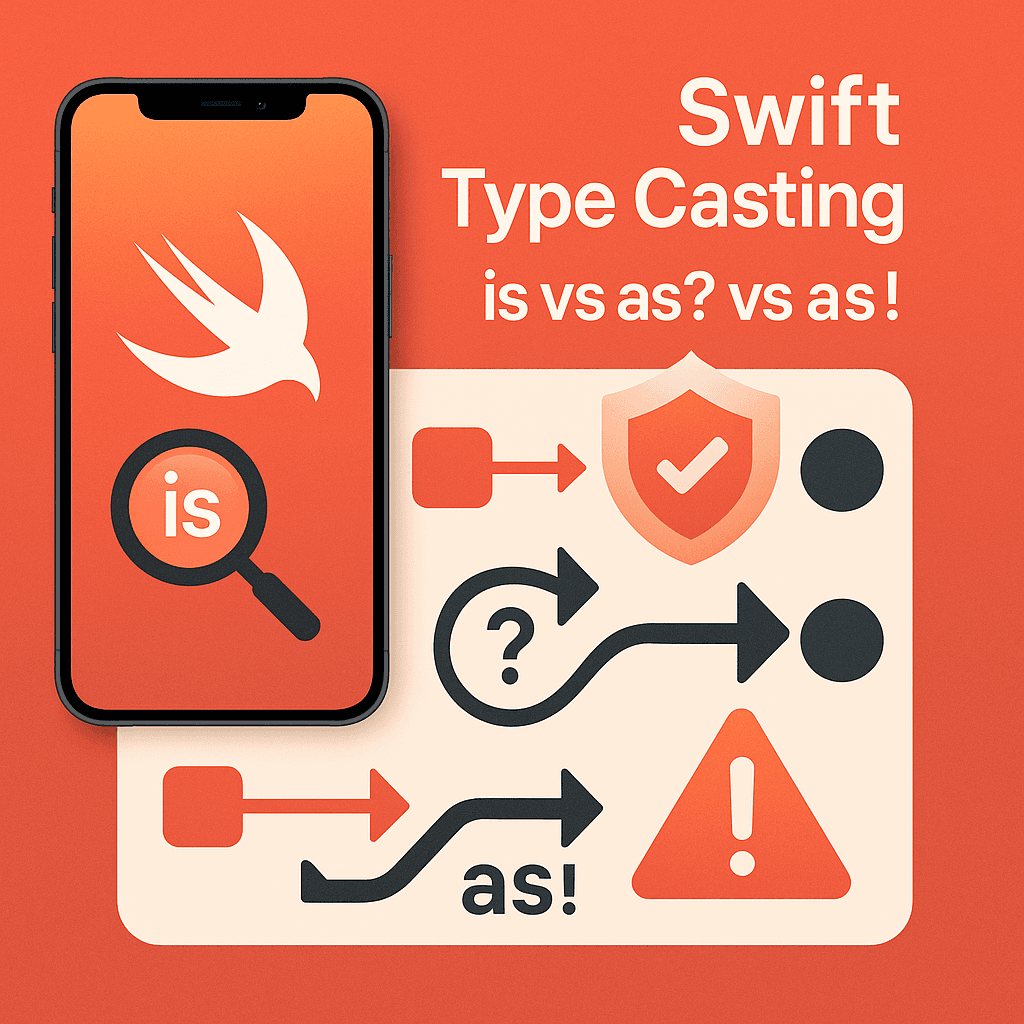
The three operators each solve different problems:
isjust tells you "yes, this is that type" or "no, it's not"as?says "try to convert this, but if you can't, just give me nil"as!says "convert this or crash my app trying"
🔍 The “is” Operator — Just Checking
The is operator is like asking "Hey, are you this type?" It doesn't change anything - just gives you a yes or no answer. Pretty straightforward.
I use this when I need to do different things based on what type something is, but I don’t actually need to access the specific properties of that type.
class Vehicle {
    var wheels: Int

    init(wheels: Int) {
        self.wheels = wheels
    }
}

class Car: Vehicle {
    var doors: Int

    init(doors: Int) {
        super.init(wheels: 4)
        self.doors = doors
    }
}

class Motorcycle: Vehicle {
    var hasWindshield: Bool

    init(hasWindshield: Bool) {
        super.init(wheels: 2)
        self.hasWindshield = hasWindshield
    }
}

let vehicles: [Vehicle] = [
    Car(doors: 4),
    Motorcycle(hasWindshield: true),
    Vehicle(wheels: 6)
]

for vehicle in vehicles {
    if vehicle is Car {
        print("This is a car")
    } else if vehicle is Motorcycle {
        print("This is a motorcycle")
    } else {
        print("This is a generic vehicle")
    }
}
Real UIKit Example
Here’s something I do all the time when setting up views:
override func viewDidLoad() {
    super.viewDidLoad()

    // Sometimes you need to loop through subviews and handle different types
    for subview in view.subviews {
        if subview is UILabel {
            // Maybe set a consistent font or color
            print("Found a label - will apply label styling")
        } else if subview is UIButton {
            // Apply button-specific styling
            print("Found a button - will apply button styling")
        }
    }
}
The nice thing about is is that it's fast. Swift doesn't have to do any heavy lifting - just check the type and move on. If you only need to know what type something is (and don't need to actually use it as that type), is is your friend.
🛡️ The “as?” Operator — Your Safety Net
This is the one you’ll use most often. The as? operator tries to convert something to a different type, but if it can't, it just returns nil instead of crashing your app.
Think of it like asking “Can you be this type?” If the answer is yes, you get the converted object. If no, you get nil and can handle it gracefully.
func processVehicle(_ vehicle: Vehicle) {
    if let car = vehicle as? Car {
        print("Car has \(car.doors) doors")
        print("Car has \(car.wheels) wheels")
    } else if let motorcycle = vehicle as? Motorcycle {
        print("Motorcycle windshield: \(motorcycle.hasWindshield)")
        print("Motorcycle has \(motorcycle.wheels) wheels")
    } else {
        print("Generic vehicle with \(vehicle.wheels) wheels")
    }
}

let myCar = Car(doors: 2)
let myMotorcycle = Motorcycle(hasWindshield: false)

processVehicle(myCar)        // Prints car information
processVehicle(myMotorcycle) // Prints motorcycle information
JSON Parsing — Where as? Shines
JSON parsing is where as? really proves its worth. You never know what garbage might be in that JSON response, so you need to be defensive:
func parseUserData(_ json: [String: Any]) {
    // These might fail, so we use guard to bail out early
    guard let name = json["name"] as? String else {
        print("Name is missing or not a string")
        return
    }

    guard let age = json["age"] as? Int else {
        print("Age is missing or not a number")
        return
    }

    // Email is optional - might not be there, and that's fine
    let email = json["email"] as? String

    print("User: \(name), Age: \(age)")
    if let userEmail = email {
        print("Email: \(userEmail)")
    }
}

// This could come from anywhere - API, file, etc.
let userData: [String: Any] = [
    "name": "John",
    "age": 30,
    "email": "john@example.com"
]

parseUserData(userData)
Table Views and Custom Cells
Here’s another place where as? saves your bacon:
func tableView(_ tableView: UITableView, cellForRowAt indexPath: IndexPath) -> UITableViewCell {
    let cell = tableView.dequeueReusableCell(withIdentifier: "CustomCell", for: indexPath)

    // Sometimes you get your custom cell, sometimes you don't
    if let customCell = cell as? CustomTableViewCell {
        customCell.configure(with: data[indexPath.row])
        return customCell
    }

    // Fallback - at least the app won't crash
    cell.textLabel?.text = data[indexPath.row].title
    return cell
}
I can’t tell you how many times this pattern has saved me from crashes when cell registration gets messed up or when I’m working with mixed cell types.
Rule of thumb: if you’re not 100% sure about the type, use as?. Your users will thank you when your app doesn't crash.
⚡ The “as!” Operator — Playing with Fire
Now we get to the dangerous one. The as! operator is like saying "I'm absolutely, 100% sure this will work, and if I'm wrong, just crash the app."
Most of the time, you shouldn’t use this. But there are a few specific cases where it makes sense.
// Don't do this unless you're really sure
func processCarOnly(_ vehicle: Vehicle) {
    let car = vehicle as! Car  // This will crash if vehicle isn't a Car
    print("Car has \(car.doors) doors")
}

// Much better approach
func processCarSafely(_ vehicle: Vehicle) {
    guard let car = vehicle as? Car else {
        print("Not a car, can't process")
        return
    }
    print("Car has \(car.doors) doors")
}
When as! Actually Makes Sense
There are a few situations where as! is okay to use:
// IBOutlets - Xcode guarantees these connections exist
@IBOutlet weak var titleLabel: UILabel!

// Storyboard segues where you control the destination
override func prepare(for segue: UIStoryboardSegue, sender: Any?) {
    if segue.identifier == "ShowDetail" {
        // You set this up in the storyboard, so you know it's correct
        let detailVC = segue.destination as! DetailViewController
        detailVC.item = selectedItem
    }
}

// When you absolutely know the structure
let mixedArray: [Any] = ["Hello", 42, true]
let firstString = mixedArray[0] as! String  // Only if you're sure about index 0
The Classic as! Mistake
I see this pattern way too often in junior developer code:
// This is asking for trouble
for subview in view.subviews {
    let button = subview as! UIButton  // Crashes on labels, image views, etc.
    button.setTitle("Updated", for: .normal)
}

// So much better
for subview in view.subviews {
    if let button = subview as? UIButton {
        button.setTitle("Updated", for: .normal)
    }
}
The first version assumes every subview is a button. The second version only updates actual buttons and ignores everything else. Guess which one users prefer?
💡 Quick Decision Guide
When you’re coding and need to pick between these operators, here’s my mental checklist:
- Just need to check the type? → Use
is - Not sure if the cast will work? → Use
as?(this is 95% of cases) - Absolutely certain it will work? → Maybe use
as!, but consideras?anyway
Honestly, I use as? for almost everything. Even when I'm pretty sure about the type, the optional handling makes my code more robust.
Working with Protocols
Protocols and type casting go hand in hand, especially when you’re building flexible systems:
protocol Drawable {
    func draw()
}

class Circle: Drawable {
    func draw() { print("Drawing a circle") }
}

class Rectangle: Drawable {
    func draw() { print("Drawing a rectangle") }
}

let shapes: [Any] = [Circle(), Rectangle(), "This isn't drawable"]

for shape in shapes {
    if let drawable = shape as? Drawable {
        drawable.draw()
    } else {
        print("Can't draw this thing")
    }
}
Core Data and Type Casting
Core Data is another place where type casting comes up a lot:
func fetchUsers() -> [User] {
    let fetchRequest = NSFetchRequest<NSManagedObject>(entityName: "User")

    do {
        let results = try context.fetch(fetchRequest)
        // Filter out any objects that aren't actually User objects
        return results.compactMap { $0 as? User }
    } catch {
        print("Fetch failed: \(error)")
        return []
    }
}
The compactMap with as? is a neat trick - it tries to cast each object and automatically filters out the nils.
Performance Notes
You might wonder if there’s a performance difference between these operators. In practice, is is slightly faster than as? because it doesn't need to create an optional wrapper. But we're talking microseconds here - not something you'd notice in a real app.
// This is faster if you only need the type check
if vehicle is Car {
    print("It's a car")
}

// This is less efficient if you don't use the cast result
if vehicle is Car {
    let car = vehicle as! Car  // Why check twice?
    print("Car has \(car.doors) doors")
}

// Better - check and cast in one go
if let car = vehicle as? Car {
    print("Car has \(car.doors) doors")
}
🚀 Some Advanced Tricks
Switch Statements with Casting
Switch statements can be really powerful when combined with type casting:
func handleInput(_ input: Any) {
    switch input {
    case let string as String:
        print("Got a string: \(string)")
    case let number as Int:
        print("Got an integer: \(number)")
    case let double as Double:
        print("Got a double: \(double)")
    case let array as [Any]:
        print("Got an array with \(array.count) items")
    default:
        print("No idea what this is")
    }
}
This pattern is pretty clean when you need to handle lots of different types.
Generic Casting Function
Sometimes it’s useful to wrap type casting in a generic function:
func cast<T>(_ object: Any, to type: T.Type) -> T? {
    return object as? T
}

let someData: Any = "Hello World"
if let string = cast(someData, to: String.self) {
    print("Successfully got string: \(string)")
}
This can make your code more readable when you’re doing a lot of casting.
🎯 Mistakes I See All the Time
Using as! When You Should Use as?
// Risky - what if the cell is nil or wrong type?
let cell = tableView.cellForRow(at: indexPath) as! CustomCell

// Much safer
guard let cell = tableView.cellForRow(at: indexPath) as? CustomCell else {
    return
}
Checking Type Twice
// Wasteful - why check the type and then force cast?
if object is String {
    let string = object as! String
    print(string)
}

// Better - do it in one step
if let string = object as? String {
    print(string)
}
Ignoring Failed Casts
// Bad - what happens when this fails?
let result = jsonObject["data"] as? [String]
// Code continues, but result might be nil

// Better - handle the failure case
guard let result = jsonObject["data"] as? [String] else {
    print("Data isn't an array of strings")
    return
}
Wrapping Up
Type casting isn’t rocket science, but getting it right makes a huge difference in how stable your apps are. Here’s what I want you to remember:
Use **is** when you just need to check types. It's fast and straightforward.
Use **as?** for almost everything else. It's safe, handles failures gracefully, and will save you from crashes.
Be very careful with **as!**. Only use it when you're absolutely certain, and even then, consider if as? might be better.
The goal isn’t to be fancy with your type casting — it’s to write code that works reliably and doesn’t surprise your users with crashes. These three operators give you the tools to do exactly that.
If you want to see more Swift concepts broken down like this, check out the Swift Pal YouTube channel. We cover everything from the basics to the advanced stuff that separates good developers from great ones.
🎉 Enjoyed this article? Your support means the world to me!
💬 Drop a comment below! I love hearing about your experiences and answering questions
🎬 Subscribe on Youtube and become early subscribers of my channel: https://www.youtube.com/@swift-pal
💼 Let’s connect on LinkedIn for more professional insights: https://www.linkedin.com/in/karan-pal
Happy coding! 🚀
New articles, straight to your inbox.
No spam, no filler — just new writing on iOS, the web, and AI when it ships. Unsubscribe anytime.
Keep reading
Your CPU Has More Cores Than Your Job Can Use
Some work splits cleanly across hundreds of cores. Other work is a chain of steps where every new step has to wait for the last one to finish.
ReadYour Password Isn’t as Random as You Think
Crack-time calculators measure the size of a theoretical password space—not how people actually choose passwords or how attackers search them.
Read