Swift Type Aliases: The Secret Weapon Senior Developers Use for Cleaner Code
Master Swift’s most underrated feature and write code that your future self will thank you for
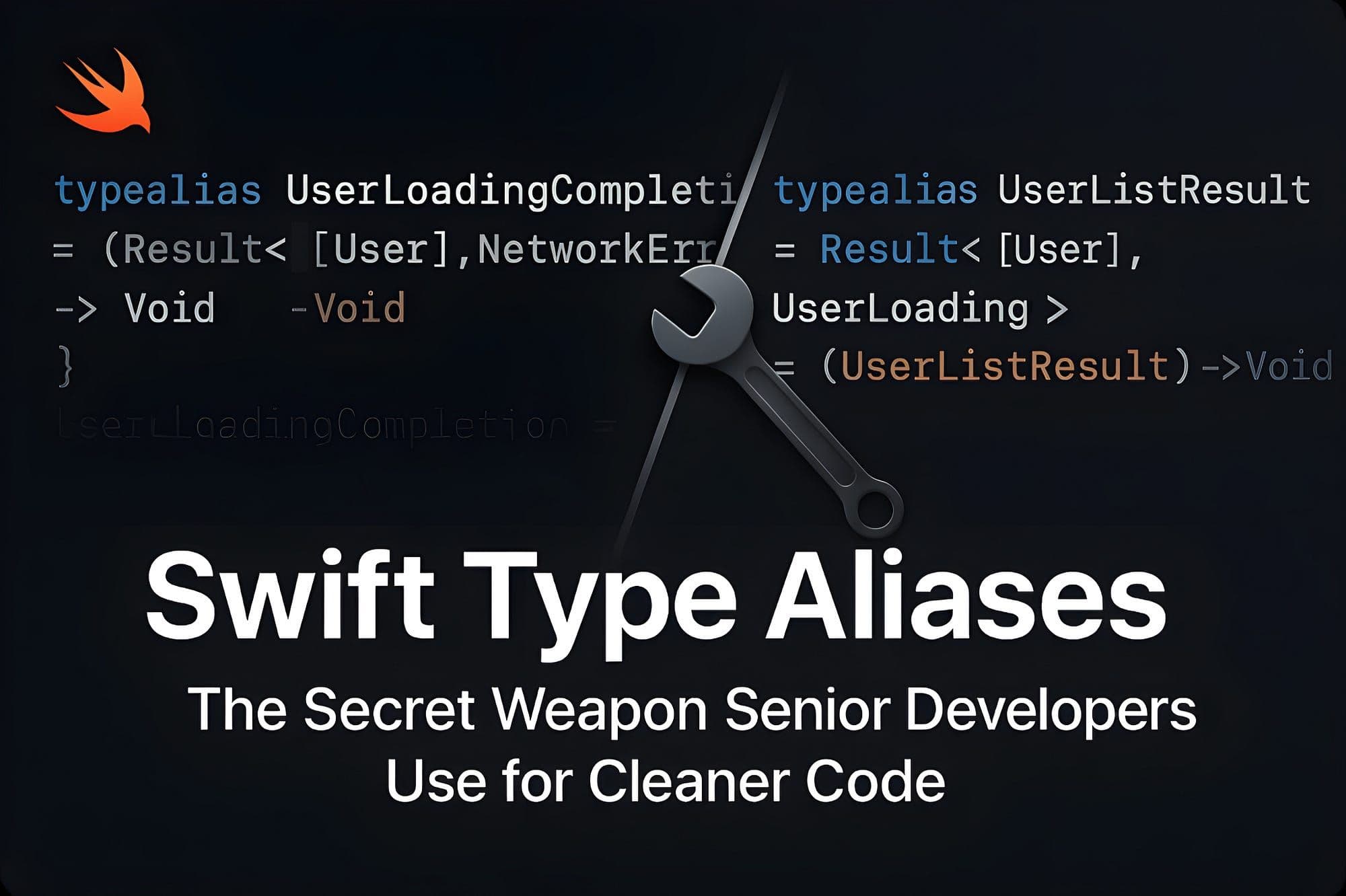

So here’s the thing — I was doing a code review yesterday, and I came across this gem:
var apiHandler: ((String, [String: Any], @escaping (Result<[User], APIError>) -> Void) -> Void)?

func setupNetworking(_ handler: @escaping (String, [String: Any], @escaping (Result<[User], APIError>) -> Void) -> Void) {
    self.apiHandler = handler
}
And I’m sitting there thinking… what the hell is this supposed to do?
Don’t get me wrong — the developer who wrote this isn’t bad. The logic probably works fine. But reading it? Understanding it? Maintaining it? That’s a whole different story.
Here’s what that same code looks like when you know about Swift’s secret weapon:
typealias APICompletion = (Result<[User], APIError>) -> Void
typealias NetworkHandler = (String, [String: Any], @escaping APICompletion) -> Void

var apiHandler: NetworkHandler?

func setupNetworking(_ handler: @escaping NetworkHandler) {
    self.apiHandler = handler
}
Suddenly, everything makes sense. NetworkHandler — oh, it handles network stuff. APICompletion — it completes API calls. Revolutionary, right?
This is the power of type aliases. They’re not just about shorter code — they’re about creating a vocabulary that actually makes sense to humans.
📺 Want to see these techniques in action? Check out the complete video tutorial coming soon to Swift Pal: _https://youtube.com/@swift-pal_
**Swift Pal** _👨💻 Welcome to Swift Pal - Your iOS Dev Companion! Whether you're just starting your journey with Swift and SwiftUI…_youtube.comhttps://youtube.com/@swift-pal
🧠 Why Your Brain Hates Complex Types
Let’s be honest for a second. When you see Result<[UserProfileData], NetworkServiceError> scattered throughout your codebase, your brain has to do this little translation dance every single time:
“Okay, so this is a Result… that contains an array… of UserProfileData… or it could be a NetworkServiceError… got it.”
Multiply that by every function signature, every property declaration, every completion handler in your app. It’s mental overhead that adds up fast.
But when you see UserListResult? Your brain just goes "user list result" and moves on. No translation needed.
That’s not laziness — that’s cognitive efficiency. And senior developers figured this out a long time ago.
🎯 The Completion Handler Cleanup
Alright, let’s start with the obvious one. If you’ve built any iOS app in the last few years, you’ve probably written something like this:
func fetchUsers(completion: @escaping (Result<[User], NetworkError>) -> Void) {
    // Network call
}

func fetchUserProfile(id: String, completion: @escaping (Result<UserProfile, NetworkError>) -> Void) {
    // Another network call
}

func updateUser(_ user: User, completion: @escaping (Result<User, NetworkError>) -> Void) {
    // Yet another network call
}
Look at all that repetition. (Result<SomeThing, NetworkError>) -> Void is basically the signature of every networking method you'll ever write.
Here’s the type alias approach:
typealias NetworkResult<T> = Result<T, NetworkError>
typealias NetworkCompletion<T> = (NetworkResult<T>) -> Void

func fetchUsers(completion: @escaping NetworkCompletion<[User]>) {
    // Network call
}

func fetchUserProfile(id: String, completion: @escaping NetworkCompletion<UserProfile>) {
    // Another network call
}

func updateUser(_ user: User, completion: @escaping NetworkCompletion<User>) {
    // Yet another network call
}
Now every method in your networking layer speaks the same language. And if you need to change your error handling strategy later? You change it in one place.
🔧 Making Complex Generics Actually Readable
Generic types are powerful, but they can get ugly fast. Ever written something like this?
func processItems<T: Codable & Identifiable & Equatable>(_ items: [T]) -> [T] {
    return items.filter { /* some logic */ }
}

func validateItems<T: Codable & Identifiable & Equatable>(_ items: [T]) -> Bool {
    return items.allSatisfy { /* validation logic */ }
}

func syncItems<T: Codable & Identifiable & Equatable>(_ items: [T]) {
    // Sync logic
}
That Codable & Identifiable & Equatable constraint is showing up everywhere. It's like copy-paste hell, but with protocols.
Type aliases make this so much cleaner:
typealias ProcessableItem = Codable & Identifiable & Equatable

func processItems<T: ProcessableItem>(_ items: [T]) -> [T] {
    return items.filter { /* some logic */ }
}

func validateItems<T: ProcessableItem>(_ items: [T]) -> Bool {
    return items.allSatisfy { /* validation logic */ }
}

func syncItems<T: ProcessableItem>(_ items: [T]) {
    // Sync logic
}
But here’s where it gets interesting. You can also create specific aliases for concrete types:
protocol DataModel: Codable & Identifiable & Equatable { }

struct User: DataModel {
    let id: UUID
    let name: String
    let email: String
}

struct Product: DataModel {
    let id: UUID
    let name: String
    let price: Double
}

typealias UserProcessor = ItemProcessor<User>
typealias ProductProcessor = ItemProcessor<Product>

class ItemProcessor<T: DataModel> {
    func process(_ items: [T]) -> [T] {
        // Generic processing logic
    }
}
Now you can have UserProcessor and ProductProcessor that are actually just specialized versions of the same generic class, but with type-safe, readable names.
📱 SwiftUI State That Makes Sense
SwiftUI developers, this one’s for you. How many times have you seen view models that look like this?
class UserListViewModel: ObservableObject {
    @Published var users: [User] = []
    @Published var filteredUsers: [User] = []
    @Published var searchText: String = ""
    @Published var isLoading: Bool = false
    @Published var errorMessage: String?
}

class ProductListViewModel: ObservableObject {
    @Published var products: [Product] = []
    @Published var filteredProducts: [Product] = []
    @Published var searchText: String = ""
    @Published var isLoading: Bool = false
    @Published var errorMessage: String?
}
Same pattern, different types. Here’s where generic type aliases can help:
typealias LoadingState = Bool
typealias ErrorMessage = String?
typealias SearchQuery = String

protocol ListItemType: Identifiable, Equatable { }

extension User: ListItemType { }
extension Product: ListItemType { }

class ListViewModel<Item: ListItemType>: ObservableObject {
    @Published var items: [Item] = []
    @Published var filteredItems: [Item] = []
    @Published var searchText: SearchQuery = ""
    @Published var isLoading: LoadingState = false
    @Published var errorMessage: ErrorMessage = nil

    func filterItems() {
        // Generic filtering logic
    }
}

typealias UserListViewModel = ListViewModel<User>
typealias ProductListViewModel = ListViewModel<Product>
Now your view models are consistent, reusable, and the type aliases make it crystal clear what each one handles.
🌐 Building a Networking Vocabulary
This is where type aliases really show their power. Most apps have a consistent networking pattern, but it’s usually buried under a pile of generic types. Here’s how to build a clean networking vocabulary:
// Define your app's networking language
typealias APIEndpoint = String
typealias HTTPMethod = String
typealias RequestHeaders = [String: String]
typealias RequestBody = Data?
typealias APIResult<T: Codable> = Result<T, NetworkError>
typealias APICompletion<T: Codable> = (APIResult<T>) -> Void

struct APIRequest {
    let endpoint: APIEndpoint
    let method: HTTPMethod
    let headers: RequestHeaders
    let body: RequestBody

    init(endpoint: APIEndpoint, method: HTTPMethod = "GET", headers: RequestHeaders = [:], body: RequestBody = nil) {
        self.endpoint = endpoint
        self.method = method
        self.headers = headers
        self.body = body
    }
}

protocol APIService {
    func execute<T: Codable>(_ request: APIRequest, responseType: T.Type, completion: @escaping APICompletion<T>)
}

class UserAPIService: APIService {
    func fetchUsers(completion: @escaping APICompletion<[User]>) {
        let request = APIRequest(endpoint: "/users")
        execute(request, responseType: [User].self, completion: completion)
    }

    func createUser(_ user: User, completion: @escaping APICompletion<User>) {
        let userData = try! JSONEncoder().encode(user)
        let request = APIRequest(endpoint: "/users", method: "POST", body: userData)
        execute(request, responseType: User.self, completion: completion)
    }

    func execute<T: Codable>(_ request: APIRequest, responseType: T.Type, completion: @escaping APICompletion<T>) {
        // Your networking implementation
        guard let url = URL(string: "https://api.example.com" + request.endpoint) else {
            completion(.failure(NetworkError.invalidURL))
            return
        }

        var urlRequest = URLRequest(url: url)
        urlRequest.httpMethod = request.method
        urlRequest.allHTTPHeaderFields = request.headers
        urlRequest.httpBody = request.body

        URLSession.shared.dataTask(with: urlRequest) { data, response, error in
            DispatchQueue.main.async {
                if let error = error {
                    completion(.failure(NetworkError.requestFailed(error.localizedDescription)))
                    return
                }

                guard let data = data else {
                    completion(.failure(NetworkError.noData))
                    return
                }

                do {
                    let result = try JSONDecoder().decode(responseType, from: data)
                    completion(.success(result))
                } catch {
                    completion(.failure(NetworkError.decodingFailed(error.localizedDescription)))
                }
            }
        }.resume()
    }
}

// Supporting types
struct User: Codable {
    let id: UUID
    let name: String
    let email: String
}

enum NetworkError: Error {
    case invalidURL
    case requestFailed(String)
    case noData
    case decodingFailed(String)
}
See how every piece of the networking layer now has a clear, consistent name? No more guessing what types methods expect or return.
⚠️ When Type Aliases Hurt More Than Help
Now, here’s the thing — type aliases can absolutely make your code worse if you’re not careful. I’ve seen some real disasters.
Don’t create aliases for simple types:
typealias Name = String
typealias Age = Int
typealias Email = String

func createUser(name: Name, age: Age, email: Email) {
    // This doesn't help anyone
}
The original String and Int were perfectly clear. This just adds confusion.
Don’t make alias chains:
typealias UserData = [String: Any]
typealias ResponseData = UserData
typealias APIResponseData = ResponseData

// Now nobody knows what anything actually is
Don’t use meaningless names:
typealias Thing = (String, Int, Bool)
typealias Stuff = [Thing]

// What is Thing? What is Stuff? Who knows!
And don’t alias everything:
typealias IntArray = [Int]
typealias StringArray = [String]
typealias BoolArray = [Bool]

// You're not helping, you're just creating noise
🎯 The Rules I Live By
After years of using type aliases in production apps, here are my guidelines:
- Only alias complex types — If it’s more than two words or has generic parameters, consider an alias.
- Make names more descriptive —
UserResultis better thanResult<User, Error>because it tells you what kind of result. - Be consistent — If you use
APICompletion<T>in one place, use it everywhere. - One level deep — Don’t create aliases of aliases. Keep it simple.
- Document when necessary — If the underlying type is complex, add a comment explaining what it represents.
🚀 Start Small, Think Big
Look, I’m not saying you need to refactor your entire codebase tomorrow. But next time you’re writing a method with a gnarly completion handler, try using a type alias. When you’re setting up a new feature, define your types upfront.
The goal isn’t just cleaner code — it’s creating a shared vocabulary for your team. When everyone speaks the same language, code becomes easier to read, write, and maintain.
Start with your networking layer. That’s where type aliases usually have the biggest impact. Then maybe your view models. Then wherever else you find yourself writing the same complex types over and over.
Your future self (and your teammates) will thank you for it.
🎉 Enjoyed this article? Your support means the world to me!
💬 Drop a comment below! I love hearing about your experiences and answering questions
🎬 Subscribe on Youtube and become early subscribers of my channel: https://www.youtube.com/@swift-pal
💼 Let’s connect on LinkedIn for more professional insights: https://www.linkedin.com/in/karan-pal
Happy coding! 🚀
New articles, straight to your inbox.
No spam, no filler — just new writing on iOS, the web, and AI when it ships. Unsubscribe anytime.
Keep reading
Your CPU Has More Cores Than Your Job Can Use
Some work splits cleanly across hundreds of cores. Other work is a chain of steps where every new step has to wait for the last one to finish.
ReadYour Password Isn’t as Random as You Think
Crack-time calculators measure the size of a theoretical password space—not how people actually choose passwords or how attackers search them.
Read