ML and AI for iOS Developers in 2025: Foundation Models, Smart Reply, and Vision Updates
Everything developers need to know about Apple’s latest ML frameworks, from Foundation Models to improved Vision and Speech APIs
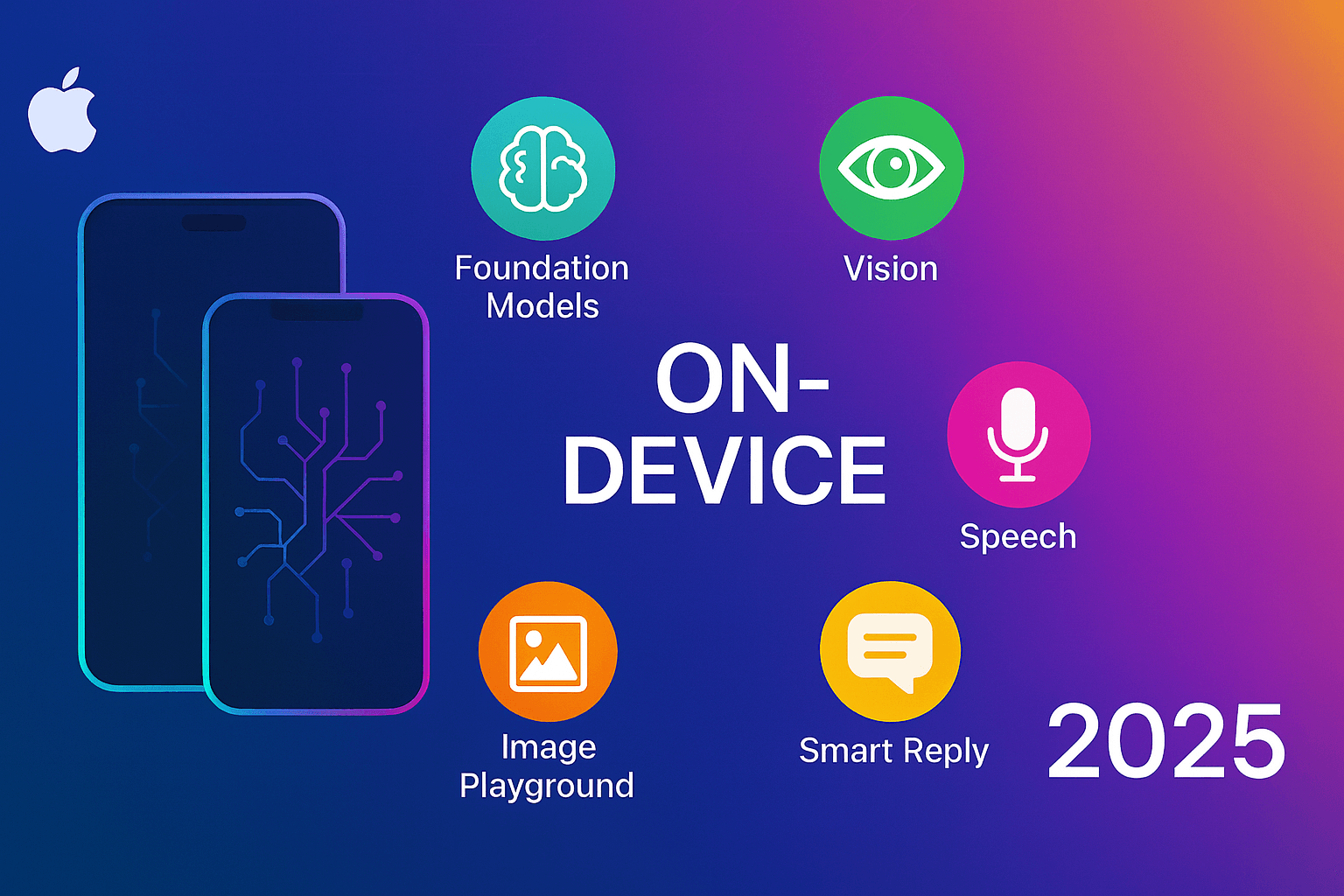

Okay so… Apple just dumped a ton of ML stuff at WWDC and I’ve been trying to wrap my head around it all. Jaimin from their On-Device ML team basically gave us this massive tour of what’s new, and honestly? Some of it’s pretty wild.
Here’s the thing though — I’m kinda tired of Apple announcements that sound amazing but then you dig in and it’s like “oh cool, another framework I’ll never actually use.” But this time feels different. Maybe it’s because I’ve been burned by so many AI APIs that either cost a fortune or send all your data to some random server farm, but Apple’s approach here is… actually refreshing?
So lemme break this down for you, because there’s some genuinely useful stuff buried in here. And yeah, I know — another “what’s new in Apple ML” post. Trust me, I wasn’t planning to write this either, but after going through the transcript… there’s stuff here that’s gonna change how we build apps.
📺 Coming soon to Swift Pal: Complete hands-on tutorial covering these frameworks: _https://youtube.com/@swift-pal_
The TLDR? Apple’s basically saying “remember all that Apple Intelligence magic you see in iOS 18? The writing tools, the image generation, the smart replies? Yeah, you can now tap into that same stuff programmatically.”
And before you roll your eyes and think “great, another half-baked developer API,” hang on. Because this isn’t just some wrapper around a web service — we’re talking about the actual foundation models running on device. No API keys, no usage limits, no sending user data anywhere.
Actually, let me back up for a sec…
🤖 Platform Intelligence — Wait, This Actually Makes Sense
So here’s where Apple started — and honestly, it took me a minute to get why this matters. ML has been baked into iOS forever, right? Face ID, handwriting recognition on iPad, noise cancellation in FaceTime calls. We’ve had this stuff for years.
But what changed last year was Apple Intelligence bringing those big foundation models to the platform. You know — Writing Tools, Genmoji, Image Playground. And if you’ve been using standard UITextView components, your apps probably already support some of this stuff without you doing anything.
Which is… kinda cool, actually. Like, you get Genmoji support automatically in system text controls. Image Playground framework gives you SwiftUI extensions to just… bring up the image generation sheet. For most apps using standard UI frameworks, Writing Tools just works.
The integration is almost annoyingly simple — either use standard views or add “a few lines of code” to custom ones. Classic Apple, making the basic stuff effortless.
But here’s where it gets interesting (and where I started paying closer attention)… what if you don’t want the default UI? What if you need more control?
That’s where the programmatic APIs come in, and honestly? This is where things get exciting.
🧠 Foundation Models Framework — Okay, This is Actually Big
So here’s where things get… interesting. And by interesting, I mean Apple just introduced something called the Foundation Models framework and I’m trying to figure out what that actually means for us.
Look, I’ve been messing around with local LLMs for a while now. You know the drill — download some 7B parameter model, watch your MacBook fan spin up like a jet engine, get mediocre results that are maybe 60% useful if you’re lucky. And don’t even get me started on trying to get structured output that doesn’t look like a hallucination wrote it.
But Apple just dropped this Foundation Models framework and… I’m cautiously optimistic about it.
From what I can gather, this gives us programmatic access to system models and capabilities — basically Apple’s version of letting developers tap into their on-device language models. And yeah, it’s all happening locally, which means no API costs and no sending user data anywhere.
The thing that really caught my attention though? Structured generation.
I mean, think about how many times you’ve tried to get an LLM to return JSON and instead got back something like “Here’s the JSON you requested: json {probably_valid_json_but_maybe_not}" followed by three paragraphs explaining why it chose those particular field names.
Foundation Models apparently handles this differently. From what Apple’s saying, you can get the language model to return data in specific formats that your app can actually use, for e.g. struct. No more wrestling with unpredictable responses or trying to parse creative interpretations of your schema.
And there’s tool calling support too — so the language model can potentially trigger actions in your app or interact with system capabilities.
The use cases that come to mind:
- Text summarization and extraction — which Apple specifically mentioned
- Classification tasks — sorting and categorizing content
- Dynamic content generation based on user context
- Structured data processing from unstructured inputs
I’m still trying to wrap my head around all the implications here, but if this works as advertised… this could be pretty significant for iOS development.
🎨 Image Playground Gets Programmatic Control
So Apple’s got this image generation capability built into the system now, and up until recently, if you wanted to use it in your app, you were pretty much stuck with whatever UI Apple provided. Which is fine for basic use cases, but as developers… we like having options, right?
iOS 18.4 introduced something called the ImageCreator class, and this changes the game a bit.
The Image Playground framework gives you SwiftUI extensions to bring up the standard image generation interface, which is probably what most apps will end up using. But if you want to go beyond that default experience or need more control over how image generation works in your app… well, now you’ve got programmatic access through the ImageCreator class.
I’m thinking about the possibilities here. Custom image generation workflows for social apps, dynamic visual content that adapts to what users are doing, educational apps that create illustrations based on the content they’re teaching.
Actually, that educational angle is interesting — imagine a language learning app that generates custom images to help explain vocabulary. Or a storytelling app that creates visuals based on the narrative choices users make.
The thing is, we’re still figuring out the practical scope of what this image generation can actually handle. Are we talking about simple illustrations and sketches, or can it create more complex visual content? And what about consistency — getting predictable, reliable results from AI image generation can be… challenging.
But having programmatic control means developers can experiment and discover what works for their specific use cases. Which opens up some genuinely interesting possibilities for apps that need dynamic visual content.
💬 Smart Reply API — Finally Getting Context Right
Okay, so Smart Reply showed up in iOS 18.4, and honestly? It’s one of those features that feels obvious in hindsight but probably took forever to get right behind the scenes.
Here’s how it works — you’ve got messaging or email functionality in your app, and instead of users having to type out responses from scratch every time, the system generates contextually relevant suggestions based on the conversation.
But here’s what makes this different from those generic “Thanks!” and “Sounds good!” suggestions we’ve all seen before — this thing actually understands conversation context. It’s not just looking at the last message and spitting out random responses. It’s analyzing the flow of the conversation, understanding what’s being discussed, and generating replies that actually make sense.
For developers, the integration seems pretty straightforward. You configure a conversation context with your message data, and the system handles the heavy lifting. When users see suggestions they like, they can tap to insert them directly into their message.
I’m thinking this could be huge for business messaging apps. You know those customer service scenarios where agents are typing the same types of responses over and over? Smart contextual suggestions could speed that up significantly while still feeling natural and relevant.
Community platforms could benefit too — imagine forums or discussion apps where users get helpful reply suggestions that actually contribute to the conversation instead of just generic responses.
The thing that caught my attention is that this runs entirely on-device. So you’re not sending conversation data to some external service to get suggestions back. Everything stays local, which is pretty important for sensitive business communications or personal messages.
I’m curious to see how well it actually works in practice though. Context-aware text generation is one of those things that can either feel magical when it works or completely awkward when it doesn’t. But if Apple’s got this dialed in, it could genuinely improve the messaging experience in a lot of apps.
🔍 Vision Framework Updates That Actually Matter
So Vision got some updates this year, and while framework updates can sometimes feel like “oh great, another incremental improvement,” these ones are actually pretty useful.
Two things caught my attention: document recognition and… lens smudge detection. Yeah, I know that second one sounds oddly specific, but hear me out.
Document Recognition is the more obvious win here. Instead of Vision just reading individual lines of text and leaving you to figure out how they relate to each other, it now understands document structure. We’re talking about invoices, forms, reports — stuff where the spatial relationship between text elements actually matters.
So instead of getting back a bunch of disconnected text strings, Vision can now group related content together and give you a sense of the document’s logical organization. Which is… honestly, huge for any app that needs to process business documents or forms.
Lens Smudge Detection sounds weirdly niche until you think about it for two seconds. For camera apps, this is actually brilliant — you can detect when the lens is dirty and either suggest cleaning or adjust processing to compensate. For AR experiences where camera quality matters, this could be the difference between a smooth experience and users wondering why everything looks blurry.
I mean, how many times have you tried to take a photo or use an AR app and everything looked off, only to realize later that there was a fingerprint on your camera lens? Now apps can actually detect and handle that situation.
Vision already had like 30+ different APIs for image analysis, so these aren’t revolutionary additions. But they’re the kind of practical improvements that solve real problems developers run into when building camera-based or document processing apps.
And since it’s all part of the Vision framework, integration should be straightforward if you’re already using Vision APIs in your app.
🎤 Speech Framework Gets a Major Overhaul — SpeechAnalyzer
Alright, so here’s something that’s been bugging me for a while. SFSpeechRecognizer — you know, the old speech-to-text API — was fine for short stuff like dictating messages or voice commands. But try to use it for longer content and… well, it gets cranky.
iOS 26 is introducing something called the SpeechAnalyzer API, and from what Apple’s saying, it’s built specifically for long-form audio processing. Which is honestly about time.
The old system would kind of give up on longer recordings, or the accuracy would drop off a cliff after a few minutes. Not great if you’re trying to build something like a meeting transcription app or lecture recording tool.
SpeechAnalyzer apparently handles sustained audio much better. We’re talking about the kind of scenarios where people are speaking for extended periods — meetings, interviews, educational content, that sort of thing. And it’s designed to work well with distant audio sources too, which anyone who’s tried to transcribe a conference room meeting will appreciate.
The performance improvements seem real — Apple specifically mentioned better accuracy for long-form content, which suggests they’ve rethought how the underlying speech recognition model works for these use cases.
I’m thinking this could be pretty significant for productivity apps. Imagine being able to reliably transcribe entire meetings or lectures with good accuracy, all happening on-device. No need to send audio to some cloud service, no concerns about sensitive business conversations leaving the device.
The integration is supposedly designed to work naturally with Swift’s async/await patterns too, which means it should fit well into modern iOS app architectures without a lot of ceremony.
Still early to say how well this works in practice, but if Apple’s solved the long-form accuracy problem, this could open up a lot of possibilities for apps that need robust speech recognition capabilities.
🛠 The Bigger ML Ecosystem — It’s Not Just Random APIs
Here’s what I find interesting about all this stuff — Apple isn’t just throwing individual APIs at us and hoping something sticks. There’s actually a coherent story here about how all these pieces fit together.
You’ve got your specialized domain frameworks — Vision for image stuff, Natural Language for text analysis, Translation for multi-language support, Sound Analysis for audio classification, and now the updated Speech framework. Each one focuses on specific tasks with models that are optimized for those particular use cases.
Then there’s the custom model deployment side — Core ML for bringing your own models to the device, Core ML Tools for optimization and conversion. And if you need something more specialized, there are alternative frameworks like MPS Graph, Metal, and BNNS Graph for specific performance requirements.
And now we’ve got this Foundation Models layer that seems to tie a lot of this together with more general-purpose language model capabilities.
The thing is, each framework tackles specific domains with highly optimized, task-specific models. But they all work together as part of this broader on-device intelligence approach. So you can use Vision to understand images, Natural Language to process text, and Foundation Models to tie it all together with reasoning and structured output.
It’s not just about having more APIs — it’s about having a complete toolkit for building apps that can understand and process different types of content locally on the device.
🔬 MLX for the Research-Minded
Oh, and if you’re into the research side of things, Apple’s got MLX — their open-source ML framework designed specifically for Apple Silicon.
This one’s more for folks who want to experiment with custom models, do research work, or explore capabilities that go beyond the standard frameworks. It’s surprisingly capable for running and fine-tuning large models locally, which is pretty cool if you’re the type who likes to tinker with the latest models and techniques.
Perfect bridge between research experimentation and eventually deploying stuff through Core ML for production apps.
🎯 What This Really Means for Developers
So here’s my take on what’s actually happening here — while everyone else is racing to build cloud-based AI services with monthly subscription fees and data privacy concerns, Apple’s going in the opposite direction.
They’re betting big on local, on-device intelligence. And honestly? I think they might be onto something.
For us as developers, this approach has some real advantages:
- Privacy by design — user data never leaves the device
- No network dependency — your AI features work offline
- Zero usage costs — these APIs don’t charge per request
- Consistent performance — not dependent on server load or internet speed
- No API key management — one less thing to worry about in production
The tradeoff? You’re working within Apple’s ecosystem and their model capabilities. You can’t just swap in the latest GPT model or fine-tune everything exactly how you want.
But here’s the thing — for most consumer app use cases, Apple’s on-device models are probably more than sufficient. And the user experience benefits of local processing are pretty compelling.
I’m curious how this plays out long-term. Are we heading toward a world where the best AI experiences are actually the ones that don’t require internet connections? Apple seems to think so.
🚀 Where to Start (And The Big Announcement)
If you’re thinking about diving into Apple’s ML ecosystem, I’d probably start with the Foundation Models framework. The structured generation capabilities alone open up a lot of possibilities for apps that need intelligent text processing.
For visual applications, the improved Vision APIs are solid upgrades that don’t require major architectural changes. And if you’re building anything related to accessibility or productivity, the new Speech capabilities are definitely worth exploring.
But here’s the thing — there’s a lot to unpack here, and honestly, this overview just scratches the surface.
I’m starting a complete series diving deep into each of these frameworks. We’ll cover practical implementation, real-world use cases, performance considerations, and everything you need to actually ship apps using these APIs. From Foundation Models to Vision updates to the new Speech capabilities — I want to help you understand not just what’s possible, but how to actually build with these tools.
📺 Subscribe to Swift Pal for the full series: **https://youtube.com/@swift-pal** — I’ll be covering each framework with hands-on tutorials, code examples, and practical guidance for integrating these capabilities into your apps.
The documentation is getting better, but there’s still a gap between “here’s what the API does” and “here’s how to use it effectively in production.” That’s what this series will tackle.
🎉 Enjoyed this article? Your support means the world to me!
💬 Drop a comment below! I love hearing about your experiences and answering questions
🎬 Subscribe on Youtube and become early subscribers of my channel: https://www.youtube.com/@swift-pal
💼 Let’s connect on LinkedIn for more professional insights: https://www.linkedin.com/in/karan-pal
Happy coding! 🚀
New articles, straight to your inbox.
No spam, no filler — just new writing on iOS, the web, and AI when it ships. Unsubscribe anytime.
Keep reading
Your CPU Has More Cores Than Your Job Can Use
Some work splits cleanly across hundreds of cores. Other work is a chain of steps where every new step has to wait for the last one to finish.
ReadYour Password Isn’t as Random as You Think
Crack-time calculators measure the size of a theoretical password space—not how people actually choose passwords or how attackers search them.
Read